

5.0Paid 986.5k/mo
AI tool for generating trendy captions and boosting engagement for short videos.
AI captionsSubtitle generatorVideo editing
AI Emoji Generators are specialized tools within Art & Creative Design that use artificial intelligence to produce custom emoji-style graphics from text prompts, themes, or referen…
30 curated for this page · 54 tools in this niche
By relevance & traffic
AI tool for generating trendy captions and boosting engagement for short videos.

AI-powered tool to generate custom emojis for Slack and Discord.

AI caption generator for videos with animated emojis and subtitle customization.

Free online tool to combine two emojis into one and create new combinations.

AI-powered transcription and captions generator for video content creators.

AI-powered tool suggesting emojis to enhance text messages and boost engagement.


Content multiplier app with AI for video repurposing and subtitle creation.
AI-powered keyboard with ChatGPT, rephrase, fast typing, and text-to-image features.
PixelPerfect is an AI-powered photo editing platform for transforming ordinary photos into engaging content.

AI-powered platform to generate custom emojis and stickers for TikTok.

Rewrite.ly is a Chrome extension that supercharges your context menu with LLM-powered writing shortcuts.

Voice memo diary app with AI-powered title, emoji, and category generation.


AI-powered emoji suggestions for perfect messages on social media platforms.

A browser extension for tracking events with beautiful, smart reminders.


AI photo editor with restoration, background removal, colorization, and emoji creation.

ImgifyAI is a free AI image tool for generating and editing images with cloud storage.
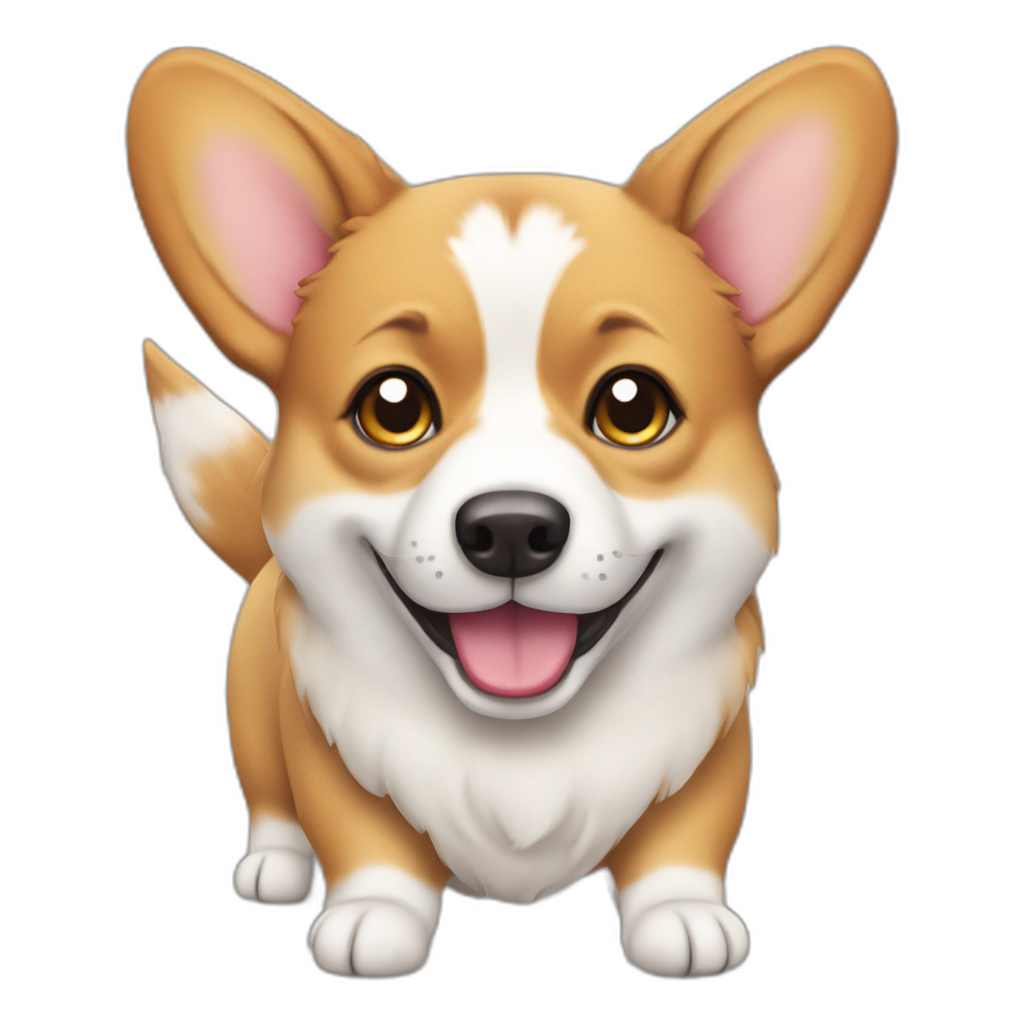
AI Emoji Generator creates personalized emojis from text using Stable Diffusion.

Free social media tools to optimize profiles and enhance content across platforms.
AI-powered iPhone app for generating tweets, replies, and threads.


AI-powered emoji browser extension for enhanced digital expression and communication.

AI Emoji Generator — AI Emoji Generators are specialized tools within Art & Creative Design that use artificial intelligence to produce custom emoji-style graphics from text prompts, themes, or reference images. Unlike general image generators, these tools focus on small, symbol-like outputs optimized for digital chat and social contexts, enabling personalized visual expression for brand identity, community engagement, or individual communication. They are most useful for social media influencers, community managers, and small business owners who need unique, platform-ready emojis for Slack, Discord, or social media. However, output quality and consistency vary, and commercial licensing terms should be verified before business use.
Best For: Social media influencers and content creators seeking unique visual elements; Community managers for Slack or Discord wanting custom emoji sets; Small business owners and marketers looking to strengthen brand identity; Individuals who enjoy personalizing digital communication with custom emojis Not Ideal For: Professional graphic designers requiring advanced vector editing or high-resolution output; Users needing photorealistic or complex scene generation; Those who only need standard emoji sets without customization Summary: AI Emoji Generators best serve users who need unique, platform-ready emojis for engagement and branding, but are less suitable for professional designers or those requiring high-resolution graphics.
Users start by providing a text prompt, selecting a theme, or uploading a reference image. The AI processes the input and generates one or more emoji designs. Users then review the outputs, adjust parameters or regenerate as needed to refine the design. Finally, the emoji can be downloaded in a suitable format or directly shared to platforms like Slack, Discord, or social media.
AI Emoji Generators enable rapid creation of custom emojis that standard sets cannot match, enhancing personal expression or brand identity without graphic design skills. This can boost engagement on social media and community platforms. However, output quality and consistency vary across tools, so testing multiple generations and reviewing licensing terms for commercial use is essential.
An AI Emoji Generator creates custom emoji designs from text prompts or themes, unlike standard keyboards which offer fixed sets. It allows personalized visual expression for digital communication.
Consider output quality and consistency, style control, commercial licensing terms, cost scalability, and platform-specific export options. The right choice depends on your need for customization and frequency of use.
Usage rights vary by tool. Always check the licensing agreement; some allow commercial use, while others restrict it. For business branding, ensure the tool's terms explicitly permit commercial use.
Many tools offer direct export or download in platform-compatible formats. For Slack, upload the emoji via the custom emoji settings; for Discord, use the server's emoji upload feature. Check the tool's export options for ease of integration.
Yes, some tools offer free tiers with limited features or generations. Premium plans often provide higher quality, more styles, or commercial rights. Evaluate your needs against the free offering's limitations.
General image generators may produce emoji-like outputs but often lack platform-specific optimization, style control, and easy export. Dedicated emoji generators are tailored for small, symbol-like graphics and chat platform integration.