
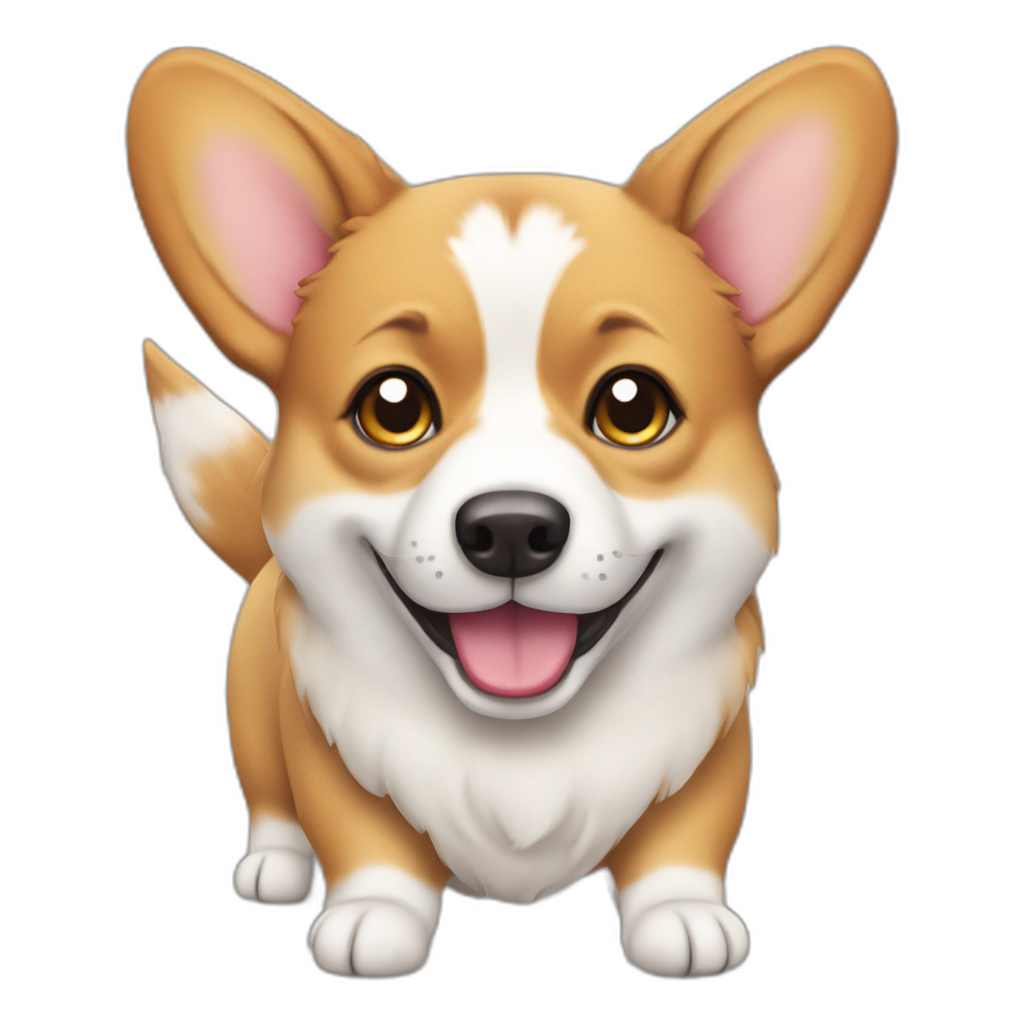
In-depth review: AI Emoji Generator
AI Emoji Generator is a niche, free-to-use tool that converts text prompts into emoji-sized images using Stable Diffusion. It is designed for casual creative expression rather than professional design, offering a quick and accessible way to generate personalized emojis from any text input. The tool's core strength lies in its simplicity: type a prompt, click a button, and receive a unique emoji in seconds. This makes it particularly appealing for social media users, content creators, and anyone looking to add a custom touch to digital communication without design skills. However, the free tier is limited to two emojis per day, which may frustrate heavy users but is sufficient for casual experimentation. The use of Stable Diffusion ensures decent image quality for such a small format, but the model's constraints mean outputs can sometimes be inconsistent or miss the intended nuance. For designers, it serves as a rapid prototyping tool to generate emoji concepts before refinement. Overall, AI Emoji Generator is a fun, low-commitment tool for those curious about AI-generated imagery, but its daily cap and lack of commercial licensing clarity mean it is best suited for personal use or as a source of inspiration.
Who it's built for
Social media users
Why it fits
You can create custom reaction emojis or branded icons for posts without needing design skills. The tool turns any text prompt into a unique emoji instantly, making your replies and stories more expressive.
Best value
Adding a personal touch to comments, DMs, and stories with emojis that reflect your exact mood or inside jokes.
Caution
The 2-free-emoji daily limit may feel restrictive if you post frequently or need multiple variations.
Digital marketers
Why it fits
Custom emojis can boost engagement in social campaigns, email subject lines, or community channels. AI Emoji Generator lets you test emoji concepts quickly without hiring a designer.
Best value
Rapidly generating branded or campaign-specific emojis to stand out in crowded feeds and increase click-through rates.
Caution
No commercial usage rights are explicitly stated, so you may need to verify licensing for professional use.
Content creators
Why it fits
Whether for YouTube thumbnails, Twitch emotes, or TikTok overlays, you need unique visuals. This tool provides a fast way to generate emoji-sized graphics from text prompts.
Best value
Creating a set of custom emotes for your community or adding playful icons to video titles and merch.
Caution
The output is limited to emoji format (small square), so it may not suit larger graphics without upscaling.
Designers
Why it fits
Use AI as a brainstorming partner for emoji concepts. Quickly generate variations based on text descriptions to explore directions before refining in vector software.
Best value
Rapid prototyping of emoji ideas to overcome creative block or present multiple options to clients.
Caution
The AI's interpretation may not always match your intent, and the small format hides detail flaws that become apparent when scaled.
Key features
Text-to-Emoji Generation
Type any text prompt and the AI returns an emoji-sized image. The tool interprets your words and generates a visual representation in real time.
Benefit
Enables anyone to create unique emojis without design skills. The process is instant and requires no technical knowledge.
Limitation
The AI's interpretation can be literal or miss nuance; complex prompts may yield unexpected results.
Stable Diffusion Backend
Uses Stable Diffusion, a powerful open-source AI model, to generate images from text. This ensures high-quality, diverse outputs compared to simpler rule-based systems.
Benefit
Produces visually coherent and creative emojis that often capture the essence of the prompt, leveraging state-of-the-art image generation.
Limitation
Stable Diffusion was not specifically trained on emoji formats, so some outputs may not fit the traditional emoji style (e.g., lack of clear outlines or consistent proportions).
Free Access with Daily Limit
The tool is free to use but caps generation at 2 emojis per day. No payment information is required to start.
Benefit
Zero financial barrier to try the tool and create a couple of custom emojis for personal use.
Limitation
The daily limit is very low for any serious or repeated use. There is no information on whether paid plans exist to increase the cap.
Fast Generation Speed
Emojis are generated within seconds after submitting a prompt. The interface provides immediate feedback.
Benefit
Allows for quick experimentation and iteration. You can try multiple prompts in a short session without waiting.
Limitation
Speed may vary based on server load; during peak times, generation could take longer than expected.
No Account Required
You can use the tool without signing up or logging in. Simply visit the website and start generating.
Benefit
Removes friction for first-time users. You can test the tool instantly without sharing personal data.
Limitation
Without an account, you cannot save your generated emojis to a gallery or access them later from another device.
Real-world use cases
Enhancing Digital Communication
Social media usersScenario
You're in a group chat and want to react with a custom emoji that perfectly captures your feeling—like a 'happy taco' or 'sad pizza'. Standard emoji keyboards don't have it.
Solution
Open AI Emoji Generator, type 'happy taco' or 'sad pizza', and download the generated emoji in seconds. Then share it in the chat.
Outcome
Adds a layer of personalization and humor to conversations that stock emojis can't match.
Creative Emoji Design Exploration
DesignersScenario
You're a designer brainstorming a set of food-themed emojis for a client. You need to quickly visualize ideas like 'angry avocado' or 'sleepy donut'.
Solution
Use AI Emoji Generator to generate multiple variations of each concept. Review the outputs to identify promising directions and refine your sketches.
Outcome
Accelerates the ideation phase, providing visual starting points that can be iterated upon in professional design software.
Social Media Content
Digital marketersScenario
You run a brand account and want to use a custom emoji in an Instagram Story poll or Twitter thread to increase engagement. The emoji should relate to your product.
Solution
Type a prompt like 'coffee cup with wings' or 'shopping bag with stars', generate the emoji, and add it to your post as a sticker or reaction.
Outcome
Creates a unique visual element that can make your content more memorable and encourage interaction.
Personal Use & Fun
Anyone who uses emojis frequentlyScenario
You're curious about AI and want to see what emoji the tool creates for abstract concepts like 'freedom' or 'chaos'. No specific goal, just exploration.
Solution
Visit the site, enter any word or phrase, and see the generated emoji. Share the results with friends or save them as digital art.
Outcome
Provides entertainment and a glimpse into how AI interprets language visually, sparking creativity and conversation.
Pros & cons
Pros
- Easy-to-use interface
- Fast emoji generation
- Free to use
- High-quality emoji output
- Unique and personalized emoji creation
Cons
- Limited to a certain number of free emojis per day
- Relies on the quality of the text prompt for emoji generation
Frequently asked questions
What is AI Emoji Generator?General
AI Emoji Generator is a free online tool that uses Stable Diffusion to convert text prompts into custom emoji-sized images. It allows anyone to create unique emojis instantly without design skills.
How does AI Emoji Generator work?Workflow
You type a text prompt into the interface, and the tool sends it to a Stable Diffusion model, which generates an image. The output is a square emoji-style graphic. The process takes a few seconds.
Is AI Emoji Generator free to use?Pricing
Yes, it is free, but there is a daily limit of 2 emoji generations. No payment information is required. There is no mention of paid plans to increase the limit.
What are the limitations of the free version?Limitations
The main limitation is the 2-emojis-per-day cap. Additionally, the tool only outputs emoji-sized images (small square), and you cannot save your creations to an account. There is no batch generation or editing features.
Can I use the generated emojis commercially?Fit
The tool's terms of service are not clearly stated on the site. For commercial use, you should assume you need to verify licensing. Since it uses Stable Diffusion, which has its own license, commercial use may be restricted. Contact the tool owner for clarity.
How does AI Emoji Generator compare to other emoji makers?Comparison
Unlike traditional emoji makers that offer preset templates or simple customization, AI Emoji Generator uses AI to create entirely new designs from text. This allows for more creative and unexpected results, but with less control over the final output. Other tools may offer more editing options or higher resolution.
Related tools in AI Image Generator

All-in-one AI video and image generator for creating stunning visuals from various inputs.


Affordable and seamless AI image workflows with the Nano Banana API through Kie.ai.

Shutterstock provides royalty-free stock images, videos, and music with AI-powered creative tools.


Create Halloween videos, photos, music, and filters with AI! Media.io Halloween AI Generator lets you transform media with face swaps, spooky effects, and themed visuals — powered by top models like Sora, Veo, Kling, Seedream, and Runway etc.